
How to Turn Your Study Notes Into Mock Exams and Essay Feedback (Step-by-Step Guide)
The Problem With Most “AI Study Tools”
Most AI study apps give you general advice.
You paste a question. You get a generic answer.
But exams don’t test “general advice.” They test your syllabus, your notes, your material.
That’s where document-based studying becomes powerful.
Instead of asking random AI questions, what if you could:
Upload your own notes
Generate mock exams from them
Write essays based on your syllabus
Get evaluated against your actual study material
That’s a completely different level of preparation.
Why Studying From Your Own Documents Matters
When you study from:
Class PDFs
Lecture slides
Personal notes
Textbook summaries
You’re aligning directly with what your exam will test.
Generic AI answers often miss key terminology, definitions, or structures that your instructor expects.
Document-based exam generation solves this by:
Using your uploaded content as the source
Creating relevant MCQs and short answers
Generating essay questions from your material
Comparing your response to the original document
It shifts AI from “assistant” to “exam simulator.”
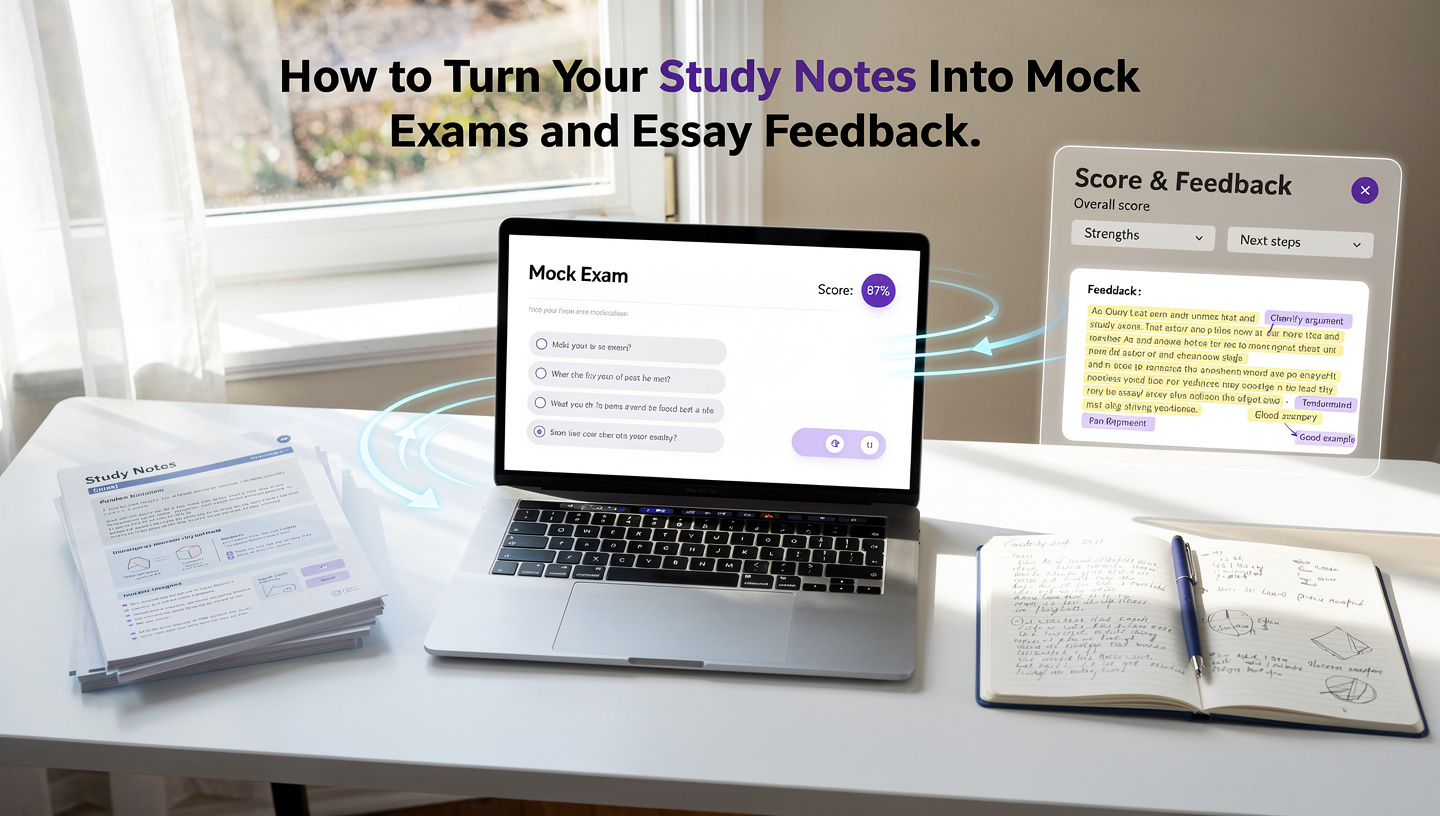
Step 1: Generate Mock Exams From Your Notes
Instead of manually creating practice questions, you can:
Upload your study document
Choose how many MCQs you want
Generate a mock exam
Submit answers
Get instant scoring
This helps you:
Identify weak areas
Practice exam timing
Simulate real test conditions
Avoid re-reading notes passively
Active recall beats passive reading every time.
Step 2: Practice Essay Questions With Real Evaluation
Essay writing is where most students struggle.
You don’t just need an answer — you need structure, depth, and clarity.
With document-based essay generation:
The system creates essay prompts directly from your notes
You write your full answer
It evaluates your response against the uploaded material
You receive structured feedback
This is powerful because it:
Highlights missing key points
Identifies weak explanations
Improves clarity
Strengthens argument structure
Instead of guessing whether your answer is “good,” you get guided improvement.
Step 3: Upgrade Your Notes With PDFs, Images & Linked Topics
Studying isn’t linear.
You connect concepts across:
Chapters
Subjects
Topics
Modern note systems now allow:
PDF uploads inside notes
Image attachments
Cross-topic linking
This turns scattered notes into a connected knowledge map.
And when your notes are structured, your exam performance improves naturally.
Why This Method Works Better Than Using 5 Separate Apps
Most students currently use:
One app for notes
Another for flashcards
Another for exams
A timer app
Random browser tabs
That constant switching reduces focus.
An integrated system keeps everything aligned:
Notes → Exams → Essays → Feedback → Planner
All built around your actual material.
Who Should Try This Approach?
This method works especially well for:
University students
AP / A-Level students
Competitive exam candidates
Anyone preparing from PDFs and lecture slides
If your exam is based on specific documents, you should practice using those same documents.
Final Thoughts
AI is powerful — but only when it’s aligned with your syllabus.
The real advantage isn’t “AI answers.” It’s turning your own notes into:
Mock exams
Essay prompts
Structured feedback
Linked knowledge
If you’re curious, you can Google QuillGlow to see how document-based studying works in practice.
Study smarter. Practice from your own material. Improve intentionally.